The parking receipt has evolved from a simple paper proof-of-payment to a multifunctional transaction record that serves as validation, enforcement evidence, expense documentation, and digital session confirmation. The receipt format a pay station supports affects operational cost, customer satisfaction, and compliance with jurisdictions that require proof-of-payment display.
This guide covers the major receipt options available in commercial parking pay stations, the operational considerations for each, and how to configure your receipt strategy for different parking contexts.
Why Receipts Matter Beyond Customer Service
Enforcement Documentation
In pay-by-plate systems without physical receipts, the license plate in the PARCS database is the enforcement record — the receipt is supplementary. But in pay-by-space systems and any system with physical display requirements, the receipt serves as evidence that payment occurred for the specific space.
Some jurisdictions require visible proof-of-payment display on the dashboard or in the vehicle window. In these requirements, a printed receipt that the customer places in the vehicle is operationally necessary — digital receipts don’t satisfy dashboard display requirements.
Expense Reporting
Business travelers and employees who expense parking need receipt documentation that meets their employer’s or accounting system’s requirements. A clear printed receipt with date, location, duration, amount, and payment method meets standard expense documentation requirements. Receipts without these fields — or no receipt at all — create friction for business parkers.
Dispute Resolution
When a customer contests a violation or claims they paid, the receipt record is the primary evidence. A clearly printed receipt with timestamp establishes payment better than any alternative.
Thermal Printed Receipts
How They Work
Thermal receipt printers in pay stations use heat-sensitive paper and a thermal print head to create printed receipts with no ink or toner. The print head selectively heats the paper surface, creating dark marks on the heat-sensitive coating.
Advantages:
- Immediate physical receipt available at transaction completion
- No ink or toner consumables — only paper
- Works in any weather condition (no ink to freeze or run)
- Can include variable content: QR codes, barcodes, validation codes, parking session details
- Meets dashboard display requirements where applicable
Disadvantages:
- Consumable cost: paper rolls require regular restocking
- Environmental concern: thermal paper often contains bisphenol compounds (BPA, BPS) that have toxicity concerns; alternatives exist but may be more expensive
- Receipt fades over time with heat exposure — a receipt left on a hot dashboard in summer may be illegible within weeks
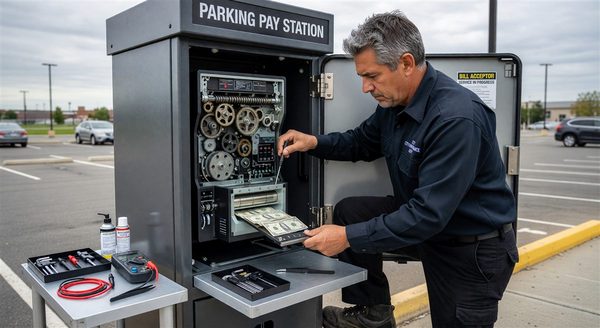
- Printer maintenance: print head cleaning, paper jam clearing, print head replacement are ongoing costs
- Adds mechanical complexity to the pay station that can fail
Thermal Paper Specification
Not all thermal paper performs equally. Key specifications:
- Sensitivity: Higher sensitivity paper activates at lower energy — allows faster printing and longer print head life
- Top coat: Top-coated thermal paper has better resistance to UV, moisture, and handling that degrades un-coated paper
- Image stability: The rated time before printed images fade significantly — typically 5–25 years for archival papers; shorter for standard papers
- BPA-free or BPS-free: Available from most major suppliers; slightly more expensive but addresses environmental and liability concerns
Specify paper from suppliers who can provide a consistent quality product — switching paper grades can cause print quality changes even with the same printer.
Email Receipts
How They Work
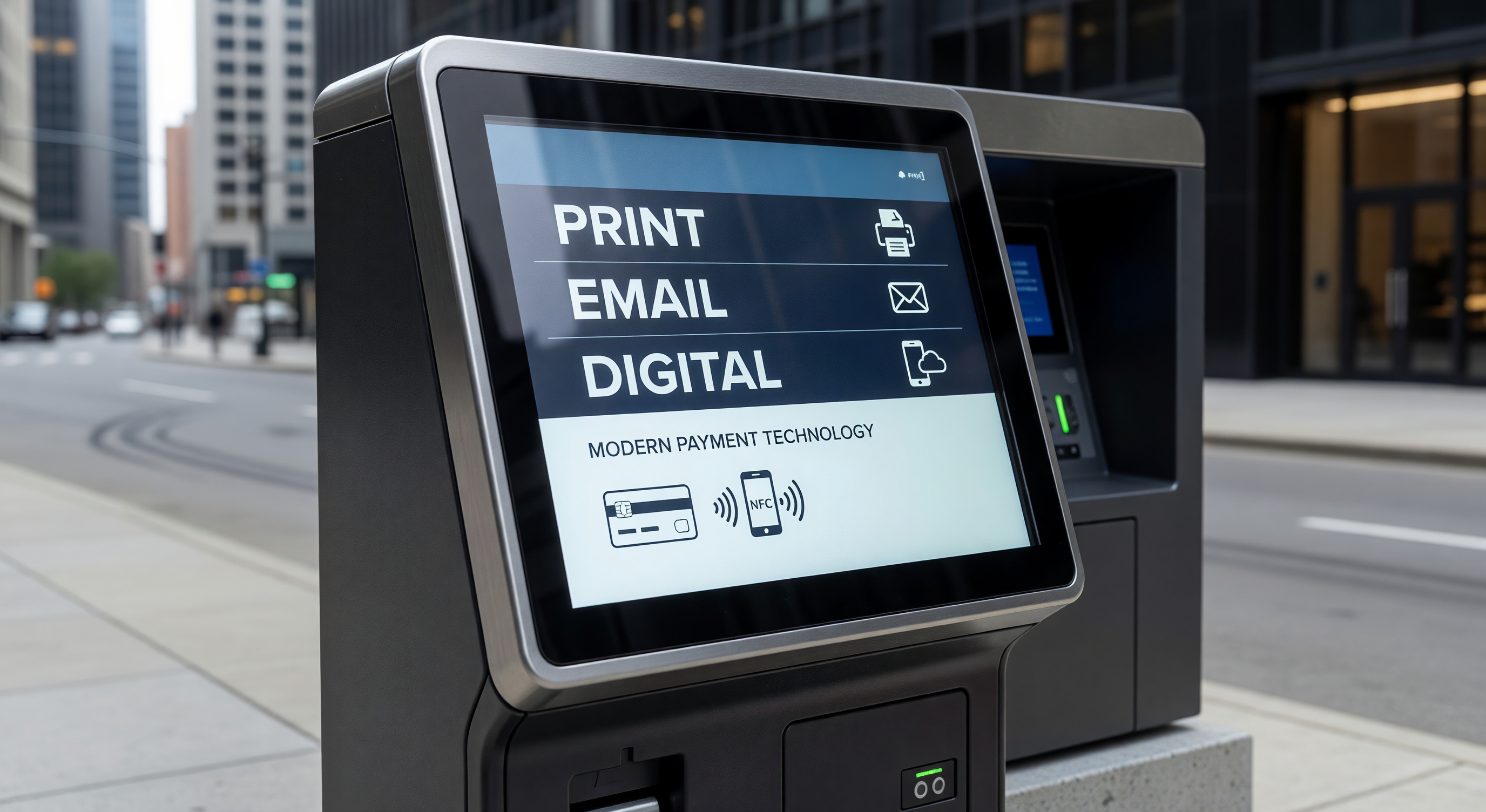
Email receipts are sent to the customer’s email address, which they provide at the pay station touchscreen during the transaction. The PARCS system sends the email automatically after payment is confirmed.
Advantages:
- No printer, no paper, no consumables — operational cost reduction
- Email receipts are permanent records that don’t fade or get lost
- Enables marketing opt-in collection (if the customer consents to communications when providing their email)
- Environmentally preferred compared to thermal paper
Disadvantages:
- Requires internet connectivity for email delivery
- Customer must be willing to type their email address at the pay station — significant friction, especially on small touchscreens
- Email addresses are frequently typed incorrectly, resulting in failed delivery
- Doesn’t satisfy dashboard display requirements
- Customers with mobile devices that don’t support email viewing can’t access the receipt immediately
Email Receipt Implementation
Email receipt systems require:
- A transactional email service (SendGrid, Amazon SES, Mailchimp Transactional, or equivalent) integrated with the PARCS platform
- Customer email address capture in the pay station transaction flow — typically an optional step after payment
- An email template that includes all required receipt fields (facility, date/time, duration, amount, payment method)
- Delivery monitoring — track delivery failures and bounce rates
Typical email receipt adoption rates at parking pay stations are 15–35% — many customers opt out or skip the email entry step. Email receipts are a supplement to, not replacement for, printed receipts in most operations.
SMS Confirmation
How It Works
SMS (text message) confirmations send a transaction summary to the customer’s mobile phone number. The customer provides their phone number at the pay station.
Advantages:
- Faster to enter than an email address (10 digits vs. a full email address)
- SMS delivery is more reliable than email (lower spam filtering)
- Provides the customer with a timestamped confirmation accessible on their phone
Disadvantages:
- SMS costs money per message — carrier fees ($0.005–$0.02 per message) add up in high-volume operations
- Limited character count restricts receipt detail
- Doesn’t satisfy dashboard display requirements
- Doesn’t provide the document-quality receipt that expense reporting typically requires
SMS is most appropriate as a session confirmation (not a full receipt) — confirming that the parking session is active and when it expires, rather than providing full transaction detail.
QR Code and Digital Receipt Options
QR Receipt on Printed Ticket
Some pay stations print a QR code on the physical ticket that links to a digital receipt page. This provides the physical proof-of-payment (for dashboard display) while also providing access to a digital version for expense reporting.
The QR receipt approach requires:
- A web server or URL shortener that serves the digital receipt page
- The PARCS system to generate and store a receipt record accessible by QR link
- A short enough URL that the QR code is reliably printable on the receipt
App-Based Session Confirmation
For facilities with a mobile app, app-based payment sessions are inherently receipted within the app. Customers who pay through the app have a transaction history in the app that serves as their receipt.
This approach doesn’t require pay station printer receipt output for app-payment sessions, but still requires printed receipts for customers who pay at the pay station without the app.
Receipt-Free Operations
Some facilities are eliminating printed receipts entirely for cashless transactions — particularly in LPR-based, pay-by-plate operations without dashboard display requirements. The transaction record in the PARCS system, combined with email or app confirmation, serves as the full receipt.
Operational requirements for receipt-free operation:
- LPR enforcement (so the plate, not the receipt, is the compliance record)
- Reliable digital receipt option (email or app)
- No local requirement for dashboard receipt display
- Clear communication to customers that no printed receipt will be available
Receipt-free operation reduces printer maintenance burden and paper cost. In pilot programs in several cities, customer complaint rates from receipt-free operations have been surprisingly low — most customers didn’t actively want the printed receipt.
Frequently Asked Questions
How long should we retain receipt records in the PARCS system? Retain at minimum 90 days for standard parking transactions. Payment disputes under the Fair Credit Billing Act allow up to 60 days for chargebacks; 90 days provides adequate buffer. Extend retention to 180 days or longer for facilities with frequent disputes.
What receipt content is required for PCI compliance? PCI DSS restricts what card data can appear on receipts. Card numbers must be truncated to show only the last 4 digits. The full card number, card verification value (CVV), and PIN must never appear on printed receipts. Verify that your pay station receipt template complies — most modern systems do, but older configurations should be verified.
Can we charge for printed receipts? Some operators have experimented with charging $0.25–$0.50 for printed receipts (encouraging digital). This is legally feasible in most jurisdictions but creates customer friction and potential perceptions of nickel-and-diming. A simpler approach is making digital receipts the default (email opt-in) while keeping printed receipts available without charge.
Do thermal receipt printers require special paper in cold climates? Standard thermal paper is rated to approximately 32°F (0°C) for printing activation. Below this temperature, prints may be faint or blank. For facilities in climates where the pay station operates in below-freezing conditions, specify low-temperature thermal paper rated to the expected minimum operating temperature.
Key Takeaway
Receipt strategy should match your enforcement model, jurisdiction requirements, and customer demographics. Printed thermal receipts remain the most operationally complete option for most parking facilities. Digital supplements (email, SMS, app) add value without replacing print for the significant share of customers who need physical documentation.