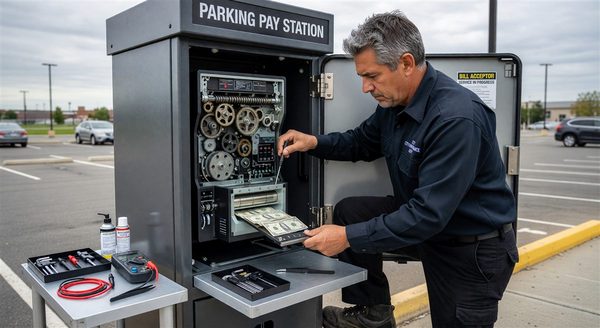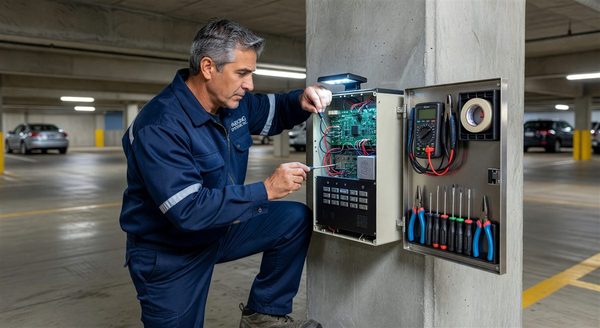
Every hour a revenue lane is down costs money. The difference between a 30-minute repair and a 4-hour repair is often whether the replacement part was on-site or needed to be ordered and shipped. A well-structured spare parts inventory eliminates the wait time for common failures and reduces the total cost of downtime across the equipment lifecycle.
The challenge is that over-stocking parts is also expensive — capital tied up in slow-moving parts has real opportunity cost, and some parts have shelf lives or become obsolete before they’re needed. This guide provides a framework for building a right-sized spare parts inventory that reduces downtime without unnecessary capital commitment.
The Inventory Decision Framework
For each potential spare part, four questions determine inventory strategy:
- What is the failure frequency? How often does this part fail in your specific equipment fleet?
- What is the downtime impact? When this part fails, how severely does it affect operations?
- What is the lead time? How quickly can you get the part if you don’t have it on-site?
- What is the part cost and shelf life? What does it cost to stock versus the cost of downtime waiting for delivery?
Parts with high failure frequency, high downtime impact, long lead times, and low unit cost are the highest-priority stock items. Parts with low failure frequency, low impact, short lead times, or high cost may be better ordered on demand.
Tier 1: Always Stock (Critical Spares)
These parts are used frequently enough that running out is likely, OR their failure impact is severe enough that lead time is unacceptable.
Gate Arms
Gate arms are consumed through vehicle collisions and UV degradation at a predictable rate. Most facilities should keep 2–3 arms for each standard length in their fleet.
- Identify all gate arm lengths in your fleet
- Stock 2 arms per length for each active gate model
- Check stock after every collision incident; reorder immediately after any use
Thermal Paper Rolls
Thermal paper for ticket dispensers and pay station receipt printers is a consumable that runs out predictably based on transaction volume. Running out means either no receipts or no tickets — both causing operational problems.
- Stock 4–6 weeks of usage based on historical consumption
- Set a minimum reorder point at 2 weeks of stock
- Keep paper in its sealed packaging; thermal paper degrades with heat and light exposure
Gate Motor Fuses and Circuit Breakers
Fuses are inexpensive and fail in patterns related to electrical events (power surges, motor overload). Keeping replacement fuses for every fuse spec in your equipment eliminates a service call for a 5-minute fix.
- Identify all fuse specifications in your equipment (amperage, type, physical format)
- Stock 10 units of each fuse specification
- Keep a printed fuse location map inside each cabinet (many technicians waste time locating the correct fuse)
Loop Detector Units
Loop detector failures are relatively infrequent but cause complete lane failure when they occur. Universal loop detector cards that fit standard controller chassis are inexpensive and fast to swap.
- Stock 2–3 universal detector cards compatible with your gate controller chassis
- For proprietary detector formats, stock 1 per major gate type
Bill Acceptor Transport Rollers
Feed and transport rollers are consumable components in cash-accepting pay stations. They degrade gradually, and replacing them on schedule prevents the jams and rejection problems of worn rollers.
- Stock one set of transport rollers for each pay station model in your fleet
- Replace on the maintenance schedule, not after failure
Replacement Gate Arm Mounting Clamps
Gate arm clamps are often damaged in vehicle collision events that also damage the arm. Having clamps on-site means the arm and clamp can be replaced simultaneously, eliminating a second service visit if the clamp was damaged but not the arm.
Tier 2: Stock in Smaller Quantities (Moderate-Priority Spares)
These parts are used less frequently than Tier 1, or their downtime impact is lower, but their lead times or costs justify some on-site inventory.
Pay Station Printer Head Assemblies
Thermal print heads wear and require replacement every 50,000–100,000 print cycles in commercial use. A print head failure means no receipt capability.
- Stock 1 replacement print head per 3–4 pay stations
- Track print cycle counts if your equipment provides this data and replace proactively near the rated cycle life
Push Button Assemblies
Call buttons and function buttons at intercoms and entry/exit equipment are vandalism targets. Having replacement button assemblies on-site enables same-day repair.
- Stock 2–3 replacement button assemblies for each intercom model
- Stock function button assemblies for common pay station models
RFID Reader Antennas
External RFID antennas at gate readers can be damaged by vehicles or weather. Antenna replacement restores RFID read capability quickly.
- Stock 1 replacement antenna per major entry lane
Camera Mounting Hardware and Domes
Camera dome covers and mounting brackets damaged by vandalism or vehicle impact can be replaced without a service call if hardware is on-site.
- Stock 2–3 dome covers for each camera model
- Stock mounting brackets for each mounting type in the facility
Tier 3: Order-on-Demand (Low-Priority Spares)
These parts are expensive, fail infrequently, or have short lead times that make on-site inventory cost-ineffective.
Payment card readers: Expensive ($200–$600 each), EMV-certified, and available from manufacturer or distributor within 3–5 days. The failure frequency in well-maintained equipment doesn’t justify stocking unless your facility has a history of reader failures.
Gate motor assemblies: Significant cost ($800–$2,000) and occasional failure. Stock a motor for a facility with a critical single-entry point; otherwise order on demand.
Main controller boards: High cost, model-specific, and failure is infrequent in properly maintained equipment. Order on demand; keep contact information for rapid ordering with your equipment distributor.
Power supply units: Moderate cost, moderate failure rate. A decision point: if a power supply failure stops all operations and your distributor has 5-day lead time, stocking a spare is worth evaluating.
Storage and Management
Physical Storage Requirements
Temperature: Thermal paper and electronic components are sensitive to temperature extremes. Store all spare parts in a climate-controlled space — not in an outdoor equipment cabinet or unheated storage room.
Humidity: Low humidity storage prevents corrosion of metal components and degradation of thermal paper. Avoid areas prone to moisture.
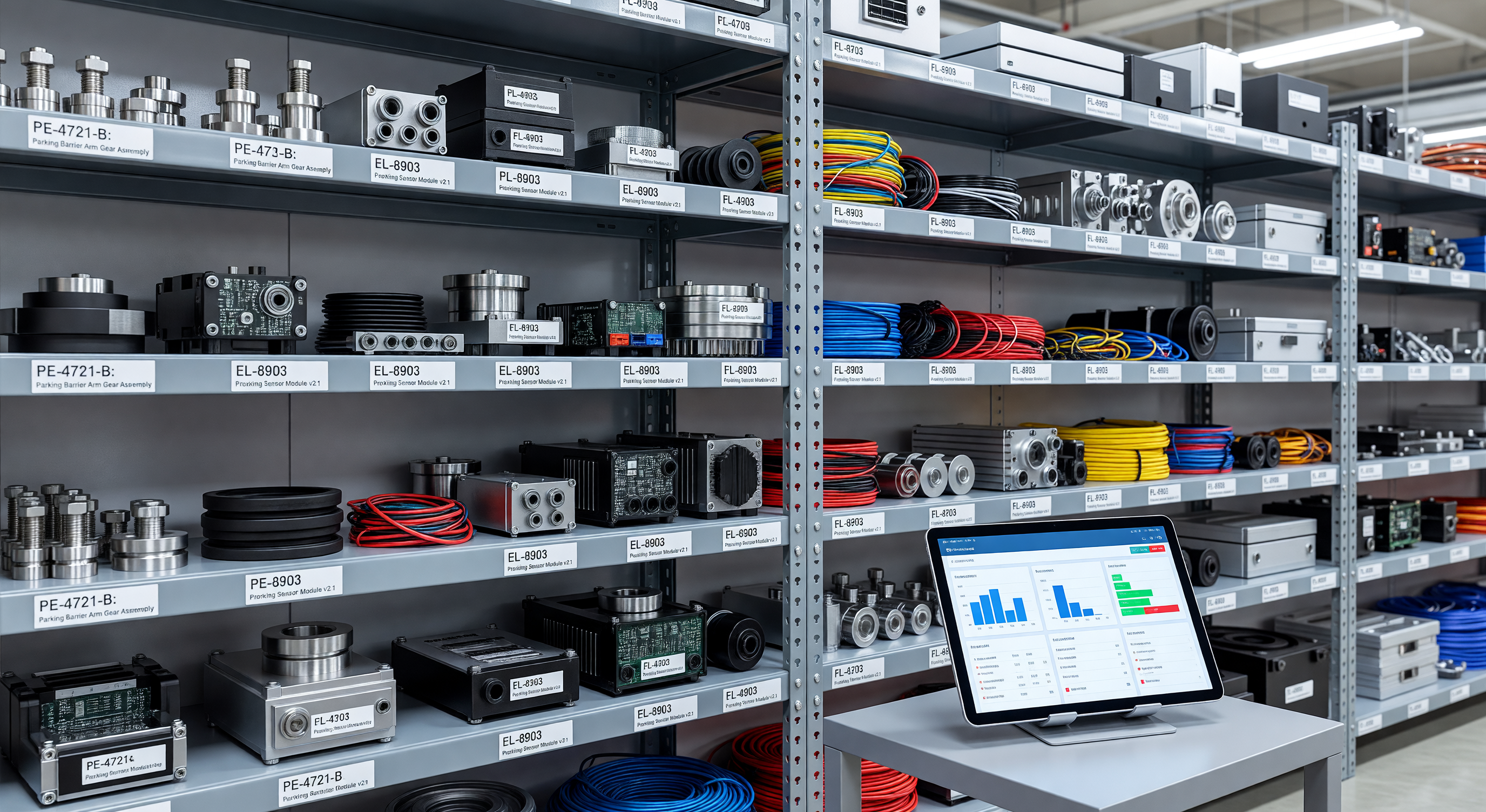
Organization: Label all spare parts clearly with part number, equipment model, and quantity. A technician arriving for an emergency repair needs to locate the correct part immediately.
Inventory Management Basics
- Maintain a written or electronic inventory list with minimum reorder quantities
- Record every part used (what, when, which equipment)
- Audit inventory monthly against the list
- Verify parts against equipment before storing — confirm part numbers match before adding to inventory
Shelf Life Awareness
Some spare parts have shelf lives:
- Thermal paper: 2–3 years in sealed packaging; reduces to 6–12 months in opened or heat-exposed storage
- Gate arm rubber bumpers and gaskets: 3–5 years before elastomer degradation
- Batteries and battery-backed components: Per manufacturer specification; generally 2–3 years
Date parts when received and rotate stock (oldest parts used first).
Building the Initial Inventory
For facilities without an existing spare parts program:
- Audit current equipment: Create a list of every equipment model, including gate models, pay station models, intercom models, and camera models
- Identify Tier 1 parts for each model: Gate arms, fuses, thermal paper, key consumables
- Review maintenance history: Which parts have failed in the past 24 months? These are your highest-frequency failure candidates
- Calculate initial quantities: 2x annual usage for high-frequency items; 1x for moderate-frequency
- Request part numbers from your equipment service vendor: Many vendors can provide a recommended spare parts list for their equipment
- Order and stock: Most distributors can provide same-day or next-day delivery for common parts if you need to build inventory quickly
Frequently Asked Questions
How much should a facility budget for spare parts inventory? A reasonable target is 2–3% of total equipment replacement value as the on-site spare parts inventory value. For a $150,000 equipment system, that suggests $3,000–$4,500 in spare parts — primarily consumables, gate arms, and common failure items.
What happens to spare parts for discontinued equipment? When manufacturers discontinue a product line, parts may be available for 3–10 years from distributor stock. When you receive notice of discontinuation, evaluate whether to order a larger parts stock for continued operation of the equipment through its remaining useful life.
Should we stock spare parts for equipment still under warranty? Yes for consumables (gate arms, thermal paper, rollers) that are typically excluded from warranty. For warranty-covered components, the manufacturer provides repair or replacement — your on-site inventory focuses on consumables and fast-wear items regardless of warranty status.
How do we know if we’re stocking the right parts? Track every repair: what part was replaced, when, and what equipment. After 24 months, the repair history shows exactly which parts are consumed and at what rate. Adjust inventory levels to match actual consumption patterns.
Key Takeaway
A spare parts inventory is an investment in uptime, not just a maintenance cost. The return is measured in reduced service call costs, faster resolution of common failures, and revenue preserved by minimizing lane downtime. The right inventory is sized to actual failure patterns, not theoretical maximums — and it’s only useful if it’s well-organized and current.