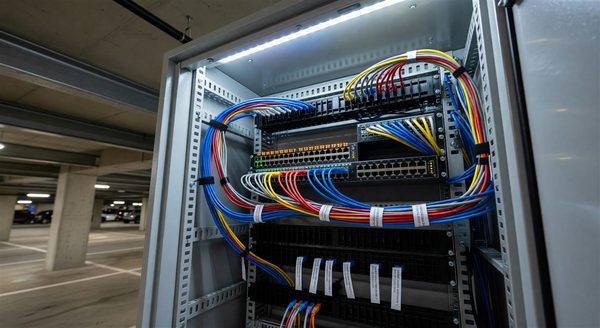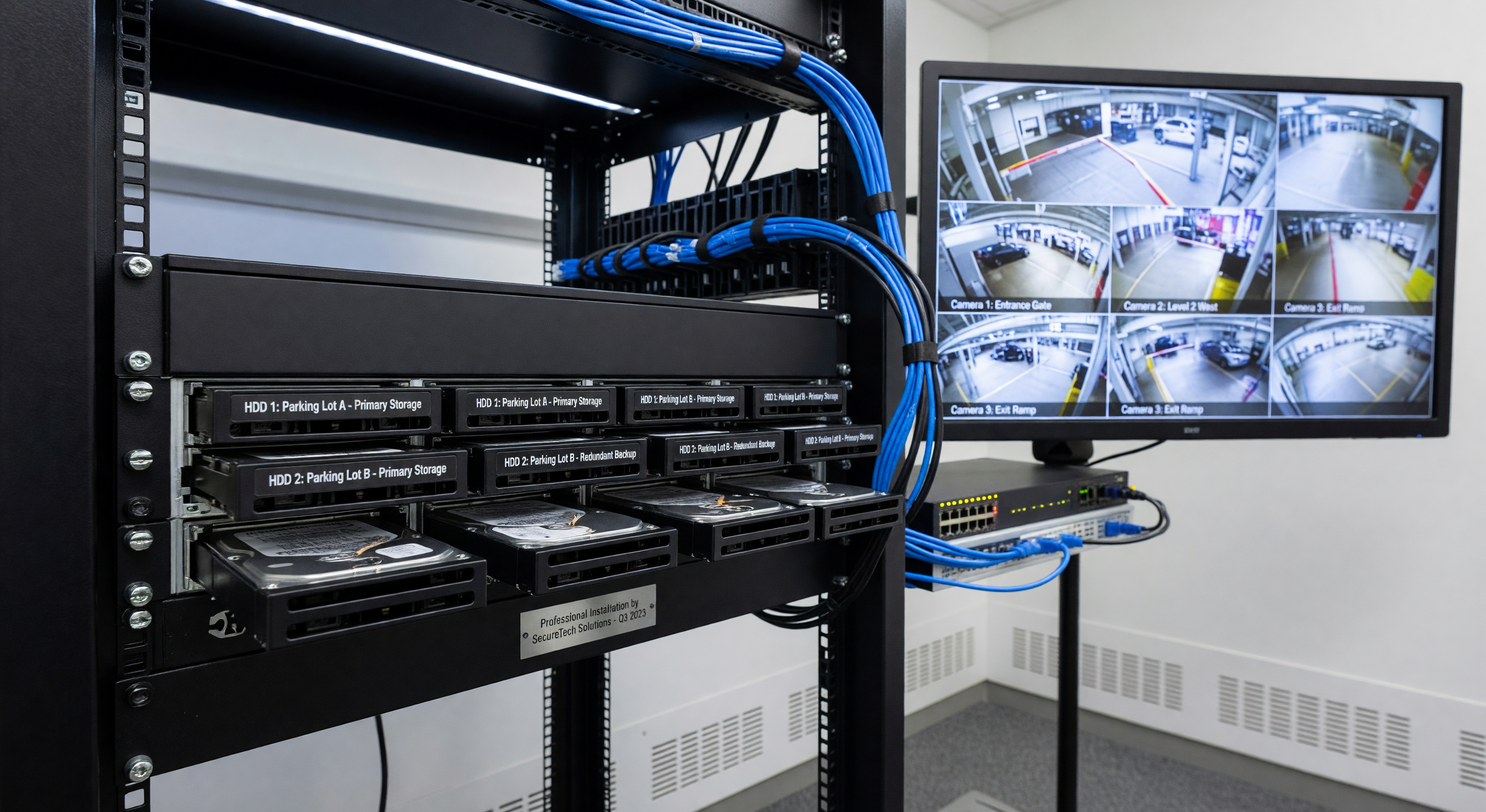
Parking facility camera footage serves two primary functions: real-time monitoring and after-the-fact evidence review. The architecture that best supports each function is different, and facilities often prioritize one over the other when selecting recording systems.
This guide covers the recording architecture options available for parking facility camera systems, the retention standards appropriate for different facility types, and the storage sizing and evidence management practices that determine whether recorded footage is actually useful when needed.
DVR vs. NVR: The Basic Architecture Distinction
Digital Video Recorders (DVR)
DVRs connect to analog cameras via coaxial cable. The DVR digitizes the analog signal and stores it. DVR-based systems are legacy technology — analog cameras have limited resolution compared to modern IP cameras, and coaxial cabling infrastructure limits scalability and remote access capabilities.
DVR systems remain in place at facilities with existing analog infrastructure that hasn’t been replaced. For new installations, DVR is not the appropriate architecture.
When DVR is still relevant: Extending the life of an existing analog camera system by 3–5 years while planning a full IP camera transition. Replacing a failed DVR in a working analog system is less expensive than a full camera and recording system replacement.
Network Video Recorders (NVR)
NVRs connect to IP cameras over standard Ethernet networks. The cameras perform their own encoding (H.264 or H.265); the NVR receives network streams and writes them to storage. NVR-based systems support high-resolution cameras, remote access, sophisticated video management software, and scalable storage.
Modern NVR systems are actually software-defined — the “NVR” may be a purpose-built hardware appliance, a server running VMS software, or a virtual machine in the facility’s IT infrastructure. The physical form factor matters less than the software platform and storage architecture.
NVR performance considerations:
- Processing capacity: The NVR must handle simultaneous recording and playback. Specify recording capacity in concurrent channels, not just total channels.
- Storage redundancy: RAID configurations protect against single-drive failure. RAID 5 (single drive failure tolerance) or RAID 6 (two drive failure tolerance) are standard for production recording systems.
- Network throughput: Ensure the NVR has adequate network interface capacity for the total camera bitrate.
Cloud Recording Architectures
True Cloud Recording
In a cloud recording architecture, cameras transmit video directly to the cloud service. The cloud platform stores and manages all footage. No on-premise recording hardware is required beyond cameras and network equipment.
Advantages:
- No on-premise hardware to maintain or replace
- Footage is stored off-site (physically secure from local incidents)
- Easy multi-site management through a single interface
- Pay-per-use cost model scales with camera count
Disadvantages:
- High bandwidth requirement: all camera streams must be uploaded continuously
- Monthly cost compounds — over 5 years, cloud recording costs often exceed equivalent on-premise NVR hardware cost
- Footage access speed depends on internet connectivity (playback may be slower than local NVR)
- Data residency and privacy concerns for some facilities (healthcare, government, financial)
Hybrid Cloud Recording
Hybrid systems record locally (to an on-premise NVR or camera SD cards) for immediate access and operational reliability, while simultaneously or periodically replicating footage to cloud storage for off-site backup, extended retention, and remote access.
This architecture combines the performance advantages of local recording with the resilience of off-site storage. It’s the appropriate architecture for most commercial parking facilities that need remote access capability without full cloud recording bandwidth requirements.
Retention Period Guidance
By Facility Type and Application
General surface lot and garage surveillance:
- Minimum: 30 days
- Recommended: 60–90 days
The 30-day minimum covers most incident discovery timelines. Parking disputes, vehicle damage claims, and theft reports often arise within 2–4 weeks of the incident; 30-day retention covers the vast majority.
Payment area cameras (pay stations, kiosk areas):
- Minimum: 90 days
- Recommended: 180 days
Card payment disputes under the Fair Credit Billing Act allow cardholders up to 60 days to dispute a charge, and investigation timelines can extend further. 90-day retention for payment area cameras protects against late-discovered disputes.
Access control documentation (permit lot entries):
- Minimum: 30 days
- Recommended: 90 days
Access control footage supports investigation of unauthorized access, trespassing, and permit fraud. 90-day retention provides adequate coverage for most investigation timelines.
Incident archive (selected footage from specific events):
- Minimum: Retain until legal matter is resolved + 1 year
- Recommended: Consult legal counsel for specific situations
When footage captures an incident that becomes the subject of a legal or insurance claim, that footage must be preserved beyond the normal retention schedule. Implement a hold process that removes specific footage segments from automatic overwrite cycles.
Legal Retention Requirements
Some jurisdictions impose minimum camera retention requirements for specific facility types. Healthcare facilities, government properties, and locations subject to specific security regulations may have statutory retention minimums. Consult with legal counsel for facilities subject to specific regulations.
Storage Management Practices
Circular Recording
Standard NVR recording operates in circular buffer mode — when storage is full, the oldest footage is overwritten. This is appropriate for routine surveillance recording. Ensure storage is sized for the required retention period before the circular buffer creates data loss.
Incident Preservation
When footage is relevant to an incident:
- Identify the relevant time window and camera(s) immediately
- Export the footage to a separate storage location not subject to overwrite
- Maintain chain of custody documentation (who accessed, copied, or reviewed the footage)
- Store incident footage on media not connected to the live recording system
Many VMS platforms provide a “bookmark” or “protect” function that marks footage for preservation — prevent it from being overwritten. Use this function immediately upon incident discovery, before circular buffer overwrites the relevant footage.
Footage Access and Evidence Management
Footage accessed for investigations should be exported in its original format (not re-encoded) to maintain evidentiary integrity. Standardize on the export format that your jurisdiction’s legal system accepts — verify with local law enforcement if footage may be needed for criminal proceedings.
Access to footage should be logged: who accessed what footage, when, and for what purpose. This log is relevant if footage authenticity is questioned in a legal context.
Cost Comparison: On-Premise NVR vs. Cloud Recording
For a 20-camera system with 60-day retention (4MP, H.265, 3 Mbps per camera):
On-premise NVR:
- Storage required: approximately 56 TB raw (with RAID)
- NVR hardware: $5,000–$12,000
- Storage hardware: $3,000–$8,000 (depending on drive configuration)
- Total year 1: $8,000–$20,000
- Ongoing annual cost: maintenance contract $500–$1,500
Cloud recording:
- Monthly cost: $20–$50 per camera per month depending on resolution and retention
- Annual cost for 20 cameras: $5,000–$12,000
- 5-year total: $25,000–$60,000
On-premise NVR is generally more cost-effective for facilities with 10+ cameras over a 5-year horizon. Cloud recording provides better economics for smaller camera counts and facilities that value management simplicity over long-term cost optimization.
Frequently Asked Questions
What happens to recordings if the NVR fails? In a RAID-configured NVR, single-drive failures don’t cause data loss — the array continues operating with redundant data. Complete NVR failure (power supply, motherboard) typically preserves data on drives, which can be installed in a replacement unit. Cloud backup (hybrid architecture) provides additional protection against NVR hardware failure scenarios.
Can we access parking camera footage remotely? Yes — most modern NVR systems and cloud VMS platforms provide web or mobile app access to live and recorded footage with appropriate authentication. Ensure remote access is secured with strong authentication (two-factor preferred) rather than a simple password.
How long does it take to retrieve specific footage for an incident investigation? On a well-organized NVR with the correct timestamp, retrieval typically takes 5–15 minutes including export. Poorly documented incidents (approximate time, uncertain camera) can take hours. Implement a standard incident report form that captures timestamp, location, camera zone, and incident description at the time of discovery.
Should we notify employees and customers that areas are under surveillance? Most jurisdictions require visible signage indicating that surveillance is in operation. Consult local requirements for the specific language required. Posted notice also serves as a deterrent — visible signage combined with visible cameras has measurable crime reduction effect.
Key Takeaway
Recording retention decisions determine whether your camera system provides evidence value when incidents occur. Size storage for the retention period you need plus 30% margin, implement an incident preservation process before you need it, and choose a recording architecture that balances cost, reliability, and remote access against your operational requirements.