The distinction between a “parking kiosk” and a “pay station” is inconsistently used in industry marketing — the same piece of hardware gets called both depending on the vendor and context. For procurement purposes, what matters is the functional difference between simpler payment terminals optimized for card-only or mobile transactions, and full-featured pay stations that handle cash, tickets, validation, permits, and multi-rate calculations.
Getting this choice wrong creates either overpaying for capability you don’t need, or deploying a device that can’t handle your operational requirements.
Defining the Categories
Entry-Level Parking Kiosks
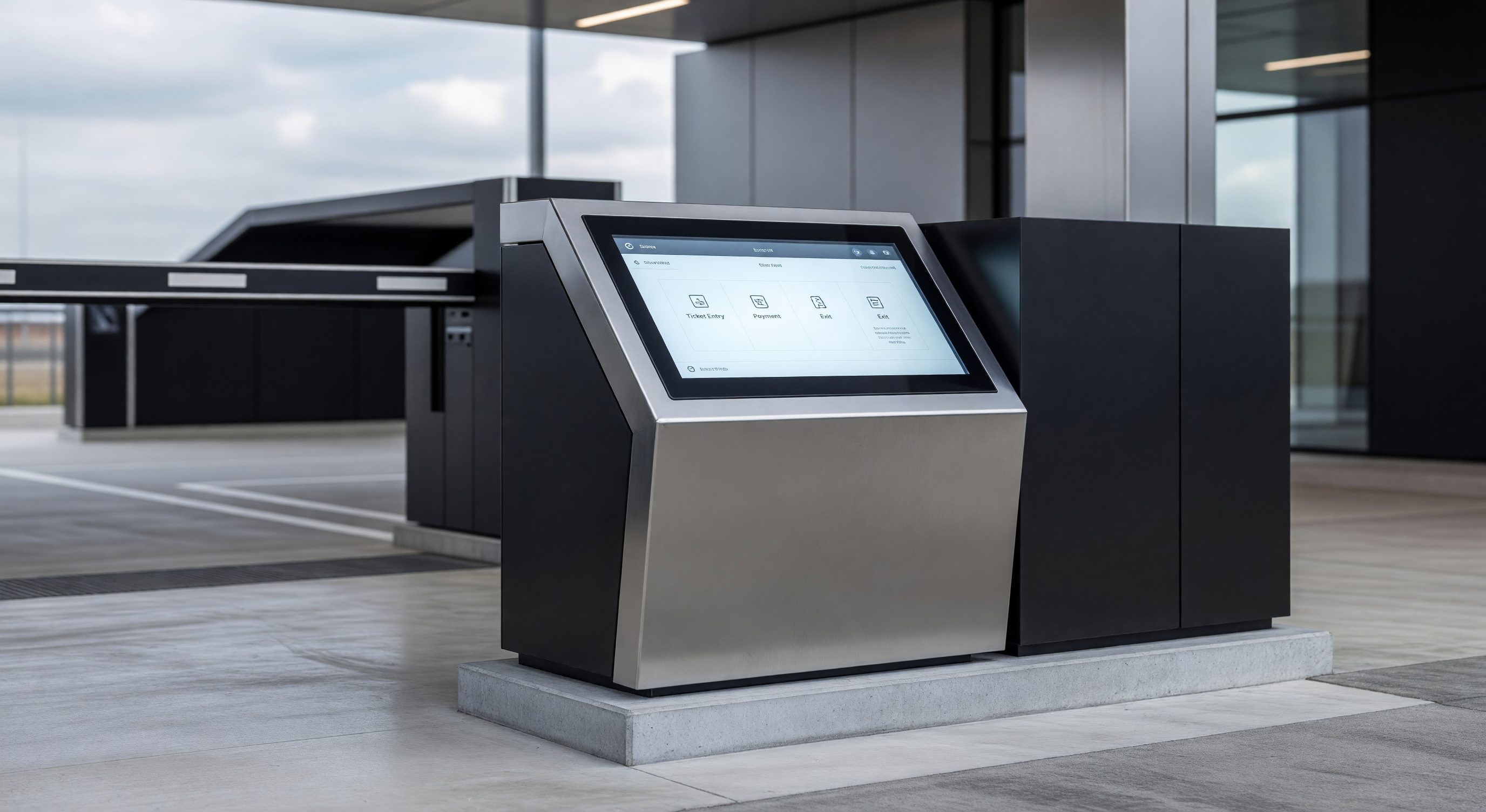
Parking kiosks in their simplest form are touchscreen payment terminals that accept card payments and display a receipt (print or digital). They’re optimized for fast transaction speed in low-complexity environments. Typical features:
- Credit/debit and contactless payment (NFC)
- License plate or space number entry for pay-by-plate operations
- Thermal receipt printing or email/SMS receipt option
- LTE cellular or Wi-Fi connectivity
- NEMA-rated outdoor enclosures
- Simple rate structure support (flat rate, hourly, max daily)
These units are appropriate for surface lots with simple rate structures where cash is not expected and validation is not required. Per-unit cost ranges from $2,500 to $6,000 installed.
Full-Featured Pay Stations
Full pay stations handle the complete transaction set required by complex parking operations:
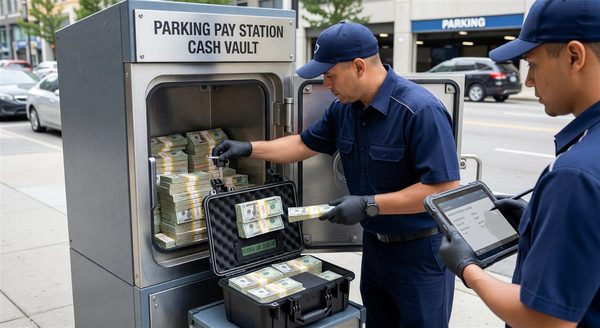
- Cash acceptance (bills and coins) with secure vault storage
- Credit/debit, contactless, and mobile payment
- Ticket (magnetic stripe, barcode, QR) entry and reading
- Validation processing (QR, web, partner systems)
- Multi-rate structures (time of day, event, permit tier)
- Permit management (monthly permit purchase and renewal)
- Receipt options (print, email, SMS)
- ADA-compliant audio and reach-range compliance
- Remote management and diagnostics
Full pay stations are the appropriate choice for garages, mixed-use facilities, hospital campuses, hotels, and any facility with cash-paying customers or complex validation workflows. Per-unit cost ranges from $8,000 to $22,000 installed.
The Deployment Scenario Analysis
Before choosing equipment type, define your operational scenario precisely. These three questions determine the correct equipment category:
1. Do you accept cash?
Cash acceptance is the single largest cost driver in parking payment equipment. Bill validators, coin mechanisms, vault hardware, and associated maintenance represent 40–60% of the cost difference between a kiosk and a full pay station. If your facility serves demographics or locations where cash is expected — transportation hubs, urban surface lots, municipal parking — a cashless kiosk creates access equity problems and likely violates local regulations in jurisdictions with cash acceptance mandates.
If your facility is primarily card and mobile (corporate campus, suburban office park, private garage with known parker base), cashless kiosks simplify both the equipment and the cash management operation.
2. Do you require ticket-based access control?
Ticket-based PARCS systems issue tickets at entry and validate/reconcile them at payment. If your system is ticket-based, your payment equipment must read those tickets. Basic kiosks typically cannot read magnetic stripe or barcode tickets — they’re designed for plate-based or space-number systems.
License-plate-based systems (no physical ticket) are compatible with simpler kiosk hardware, which is one reason plate-based PARCS have gained significant market share.
3. Do you process validations?
Retail, hotel, and tenant validation workflows require the payment station to adjust the calculated transaction based on a validation input — a QR code from a restaurant, a voucher from a hotel, or a validation credit from a tenant management system. Full pay stations handle this natively; most kiosks require the validation to be applied through a separate app or web interface rather than at the payment device.
Coverage Ratios and Deployment Planning
How Many Units Do You Need?
Coverage ratio — the number of spaces served per payment unit — is the primary driver of how many devices to deploy.
Standard industry ratios:
- Transient-dominant facilities: 1 unit per 50–75 spaces
- Mixed transient/permit facilities: 1 unit per 75–100 spaces
- Permit-dominant facilities: 1 unit per 100–150 spaces
Deploying below these ratios creates exit queues that damage customer experience. Deploying significantly above them is capital inefficiency.
For kiosk deployments in pay-by-plate surface lots, consider placement relative to pedestrian paths rather than space counts. A walker-friendly layout — where no parker walks more than 100–150 feet to a payment station — is often more relevant than a ratio calculation.
Redundancy Planning
Single points of failure in payment infrastructure cause outsized revenue impact. For facilities where a single unit going offline stops all payment collection, consider:
- Geographic distribution of units (not clustered in one area)
- Failover options (mobile payment, temporary staffed booth)
- Backup cellular connectivity independent of facility Wi-Fi
Full pay stations with dual-path connectivity (primary wired, backup cellular) provide the best redundancy. Kiosks with LTE-only connectivity are vulnerable to carrier outages.
ADA and Accessibility Requirements
ADA requirements apply to parking payment equipment accessible to the public. Key requirements:
- Reach range: Maximum 48 inches high for forward reach; maximum 46 inches for side reach over an obstruction
- Clear floor space: 30" x 48" minimum clear floor space at each unit
- Audio output: Audio guidance for all screen content for visually impaired users
- Operating force: Controls operable with a closed fist, not requiring pinching or twisting
Budget kiosks sometimes claim ADA compliance while meeting only some requirements. Request full ADA compliance certification documentation, not just a compliance claim. Non-compliant equipment creates liability exposure.
Connectivity and Remote Management
Both kiosks and pay stations require reliable network connectivity for payment processing and transaction reporting. Evaluate:
- Primary connection: Ethernet is most reliable for fixed installations. Wi-Fi is acceptable for temporary deployments.
- Backup connection: LTE cellular backup prevents outages during network interruptions
- Remote management: Can you view device status, reboot software, push rate updates, and pull reports without a site visit?
- Payment offline mode: What happens if connectivity drops during a transaction? Can the device process offline and reconcile later?
The value of remote management capability grows with fleet size. A single device that requires a technician visit for every software update is manageable; twenty devices requiring physical access for each update is an operational burden.
Frequently Asked Questions
Can I mix kiosks and full pay stations in the same facility? Yes, and it’s often the right approach. Deploy full pay stations at primary pedestrian exit points (where cash, tickets, and validations are most likely) and simpler kiosks at secondary points to provide payment coverage without full-unit cost.
Are solar-powered kiosks viable for surface lots? Solar-powered units are available and work well for supplemental power in sunny climates. They require adequate panel sizing for winter conditions and are not suitable as the primary payment option in facilities with heavy transaction volume. See our guide on solar-powered pay stations for a detailed evaluation.
How often do parking kiosks require maintenance? Card-only kiosks with no moving parts (no cash, no ticket printer) have maintenance intervals of 6–12 months for preventive maintenance. Units with printers require paper replacement and periodic head cleaning every 30–90 days depending on volume. Full pay stations with cash handling require weekly vault collection and monthly preventive maintenance.
What payment certifications should I require? Require EMV Level 1 and Level 2 certification for all card-accepting devices. NFC-enabled contactless acceptance requires separate certification. PCI PTS certification for the payment terminal and PA-DSS certification for the software are additional security certifications worth verifying.
Key Takeaway
The kiosk-vs-pay-station decision reduces to three questions: cash acceptance, ticket compatibility, and validation requirement. Answer these three questions honestly against your facility’s operational reality before evaluating any equipment. The answer typically makes the equipment category selection obvious and prevents buying equipment optimized for a different operational model.