Visitor parking access is one of the most operationally complex aspects of parking management. Regular permit holders have predictable patterns; visitors don’t. They arrive without credentials, may not know how to use the payment system, have widely varying dwell times, and require different treatment depending on whether they’re an expected guest, a delivery driver, an ad-hoc visitor, or someone who isn’t authorized to be in the facility at all.
This guide covers the common visitor access management approaches, the technology options that support each, and the selection criteria for different facility types.
Visitor Access Scenarios
Different visitor types require different access solutions:
Expected visitors (pre-registered): A scheduled meeting guest, a known supplier, or a hotel guest with a reservation. These visitors can be pre-registered in the access system before arrival, enabling a smooth first-time credential presentation.
Walk-in visitors (unannounced): A visitor arriving without prior notification who needs access granted on arrival. Requires a real-time authorization process — either a self-service system or host notification.
Delivery and service vehicles: Regular delivery routes, occasional service calls, and one-time deliveries. Each has different frequency and predictability. High-frequency delivery routes may warrant standing temporary permits; one-time visits require case-by-case handling.
Hotel guests: Guests with room reservations expect parking access bundled with their stay. Requires PMS integration for automatic validation.
Technology Options for Visitor Access
Staffed Booth
The traditional approach: a cashier or access control attendant at the entry who manually authorizes visitor access. The attendant can call the host, issue a visitor pass, or collect payment as needed.
Advantages: Maximum flexibility; handles any situation; provides customer service interaction.
Disadvantages: Labor cost; staffing hours create access limitations; inconsistent procedure execution.
Staffed booth is appropriate for facilities with high visitor volume and complex access decisions, or as a backup to automated systems.
Host-Initiated Access
The host (the employee, tenant, or event coordinator expecting the visitor) pre-authorizes access through a web portal, mobile app, or PARCS interface. The visitor’s plate, name, or a QR code is registered in the system before arrival.
Workflow:
- Host logs into the permit management portal
- Host creates a visitor pass with the visitor’s name and/or plate number
- The system creates a time-limited credential valid for the visit window
- At entry, the visitor presents the QR code, plate, or enters the guest code; the gate opens
Advantages: Fully automated with no operator intervention required; reduces staffed booth dependency; creates a documented record of who authorized access.
Disadvantages: Requires hosts to complete the pre-registration step — hosts who don’t complete it create visitors arriving without access. Requires a user-friendly portal that hosts will actually use.
Implementation requirements: PARCS portal with visitor pass creation capability; credential type for “visitor” with time-limited access; gate readers compatible with the chosen visitor credential format (QR, plate, code).
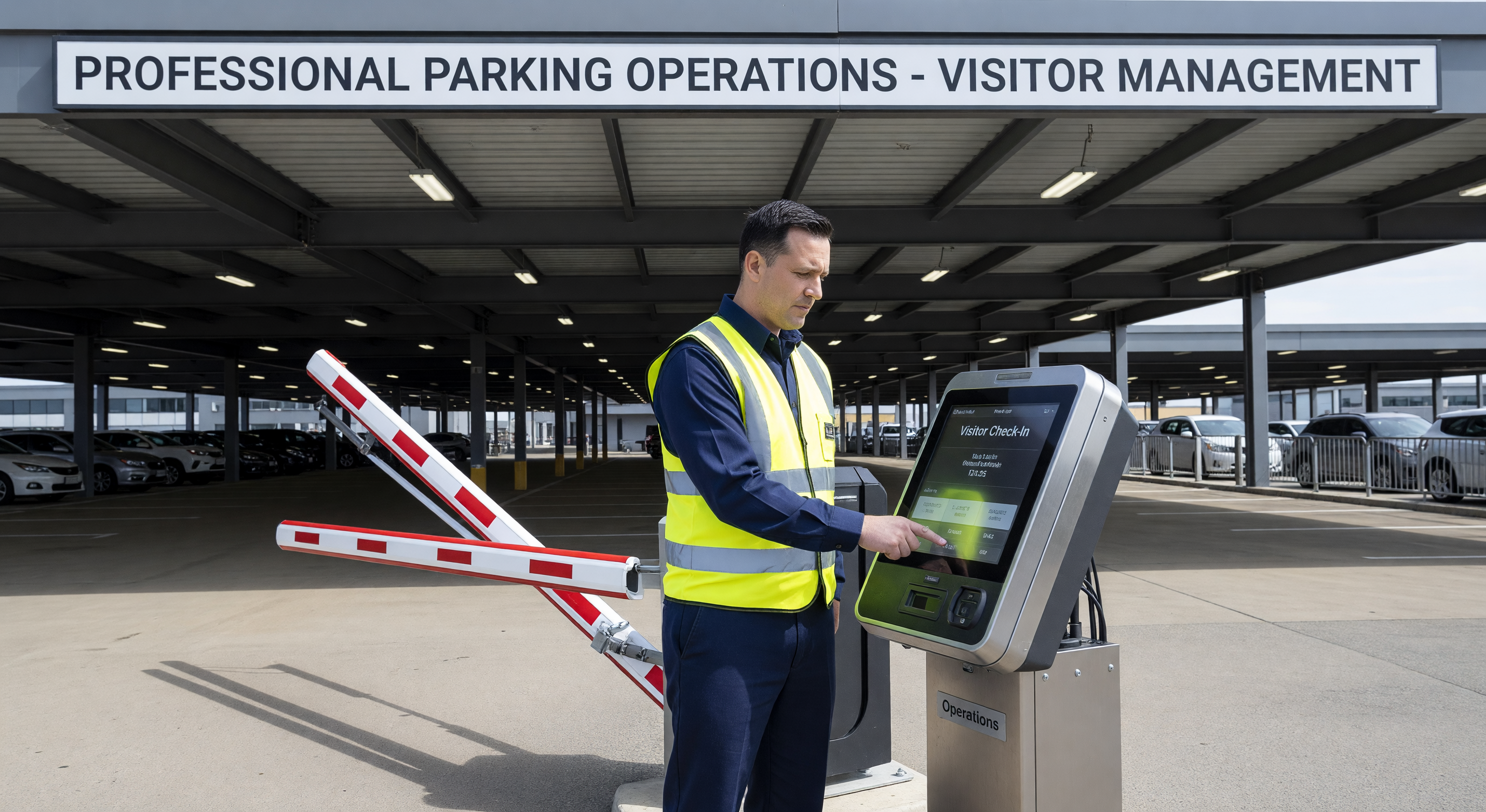
Self-Service Visitor Kiosk
A kiosk at the facility entry (inside or outside the gate) allows visitors to check in, register their purpose, and request access. The kiosk can notify the host, who grants access remotely, or can issue a visitor pass after the visitor provides identifying information.
Types of self-service visitor kiosks:
- Identification capture kiosks: Scan a government ID and automatically notify the host
- License plate capture kiosks: Camera reads the vehicle plate and creates an access request linked to the plate
- Name/company entry kiosks: Visitor types their name and who they’re visiting; the system looks up the host and sends a notification
Advantages: No staff required; creates a complete visitor log; improves visitor experience compared to queuing at a staffed booth.
Disadvantages: Capital cost; requires host mobile app or email response capability; may require visitor to leave their vehicle to use the kiosk (depending on placement).
QR Code Guest Passes
The host sends the visitor a QR code (via email or text) that the visitor presents at the entry reader. The QR code encodes a time-limited credential that opens the gate without host real-time involvement.
Advantages: Low infrastructure cost (just a QR reader at the gate); works fully asynchronously; visitor doesn’t need to stop at a kiosk.
Disadvantages: QR codes can be forwarded to unauthorized individuals (same credential, different person); requires host to generate and send the code before the visit; QR reader at the gate must be weather-resistant and well-lit.
Validation-Based Visitor Access
In facilities where visitors pay for parking, validation systems reduce or eliminate the charge for authorized visitors. The validation workflow:
- Visitor parks and enters normally (paying or taking a ticket)
- The host or facility validates the visitor (web portal, paper sticker, QR code from the host’s organization)
- At exit, the validation reduces or eliminates the fee
Validation-based access doesn’t prevent entry — it affects the exit fee. It’s appropriate when you want visitors to handle their own access while reducing their parking cost when they’re legitimately visiting.
Integration with Building Access Control
For corporate campuses and office buildings, parking visitor access should integrate with the building visitor management system:
- A visitor registered in the building visitor management system should automatically receive parking access
- Parking access duration should match the scheduled visit end time
- When a visitor’s building access is revoked (they leave), parking access should expire accordingly
This integration prevents the common scenario where a building visitor’s parking access remains active long after their authorized building visit has ended.
Delivery Vehicle Management
Frequent delivery drivers benefit from standing temporary permits — credentials valid during business hours for a set period (monthly, quarterly). These can be:
- LPR-based (plate registered as authorized for delivery entry/exit)
- RFID fob-based (fob issued to the driver for the delivery vehicle)
- Time-limited with automatic expiration requiring renewal
For irregular delivery vehicles (one-time deliveries, new delivery drivers), the gated entry creates friction. Consider:
- A designated delivery entry managed by the attendant or with intercom release
- A delivery bay with separate access credentials for delivery companies
- A standard visitor pass workflow that the delivery dispatcher can initiate remotely
Reporting and Compliance
Visitor access logs provide valuable operational and compliance data:
Visitor log: Who accessed the facility, when they entered, when they exited. This log is required in many security-focused facilities (government, healthcare, corporate campuses) for compliance and incident investigation.
Host authorization log: Who authorized each visitor access. This creates accountability for access grants.
Visitor dwell time analysis: How long do visitors typically stay? This data informs parking space allocation for visitor areas and helps identify unusual extended stays.
Retain visitor access logs for at minimum 90 days; 1 year for facilities with security or compliance requirements.
Frequently Asked Questions
What is the most common visitor access failure mode in automated systems? Host failure to complete pre-registration is the most common failure — visitors arrive expecting access that hasn’t been pre-authorized because the host forgot to create the pass or found the process too cumbersome. Simplifying the host-side interface (one click from calendar invitation to visitor pass) dramatically improves completion rates.
Can we limit the number of visitor passes a host can issue? Yes, in most PARCS portal configurations. Visitor pass quotas per employee or per organizational unit can be set as administrative controls. This prevents unconstrained visitor access from specific hosts.
How do we handle visitors who need recurring access over multiple days? Multi-day visitor passes with a date range are appropriate for extended project visitors, contractors working on a short-term project, or consultants on engagement. Issue a time-limited RFID credential or multi-day QR pass with the specific date range. Set automatic expiration; don’t rely on manual deactivation.
Should visitors have the same anti-passback enforcement as monthly permit holders? Visitor access is typically configured without anti-passback or with very relaxed anti-passback, since visitor access patterns are unpredictable and multi-entry in a single visit is common. Reserve strict anti-passback for permit-holder access levels.
Key Takeaway
Visitor access management quality is primarily a user experience problem — for hosts and visitors both. The most effective systems make host pre-registration so simple that it becomes automatic workflow, and visitor entry so seamless that there’s no friction at the gate. Technology choice matters less than the ease of use of the workflow built around it.