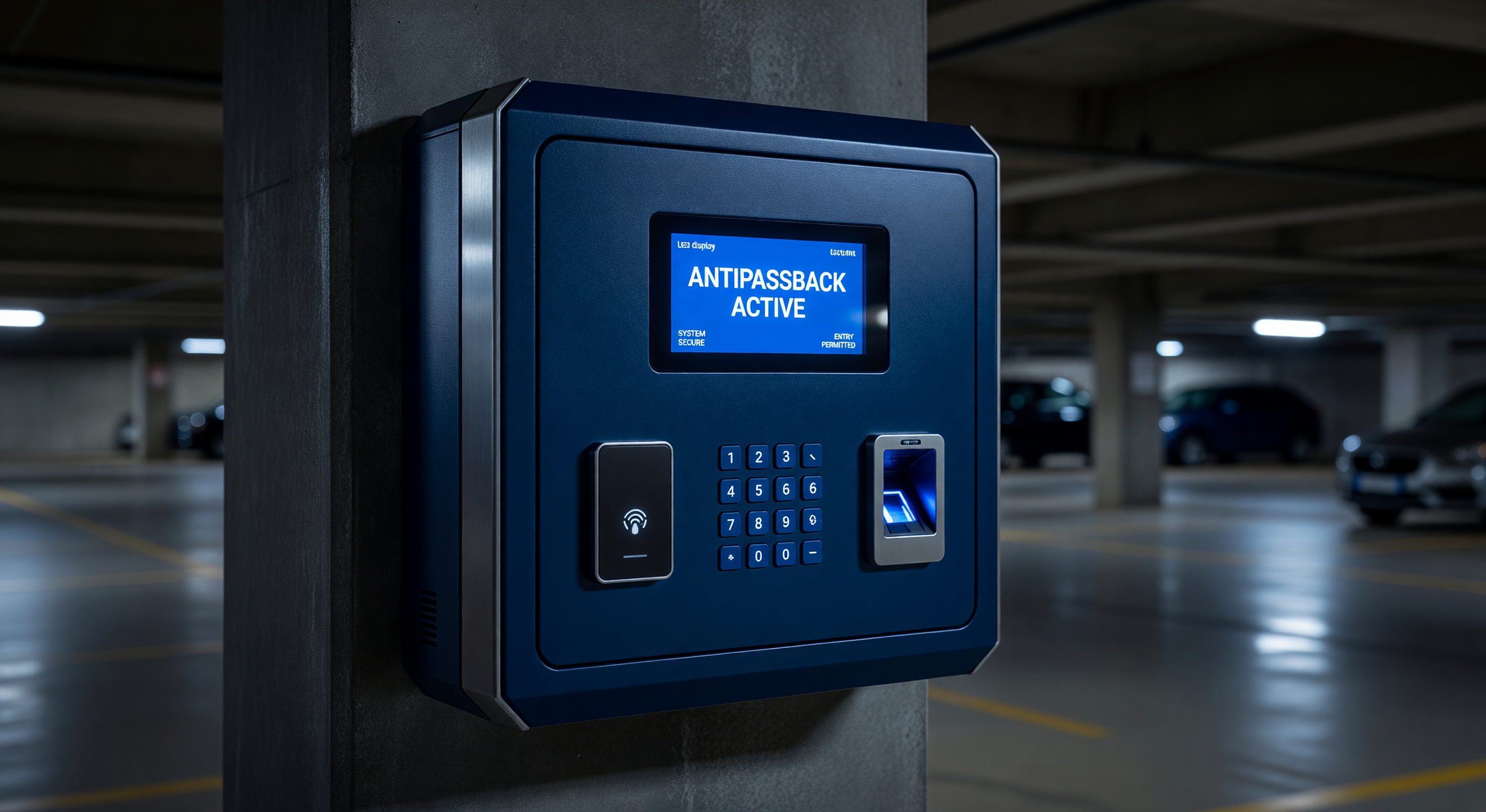
Anti-passback is an access control feature that prevents a credential from being used to enter a facility twice in succession without an intervening exit event. In parking operations, it’s the primary technical control against credential sharing — the practice of one credential holder letting another vehicle in with the same credential after the first vehicle has entered.
Anti-passback is often misconfigured or misunderstood. Configured too strictly, it creates valid customer access denials and support calls. Configured too loosely, it provides no real deterrent to credential sharing. This guide covers the configuration options, operational implications, and exception management procedures for anti-passback in parking facilities.
How Anti-Passback Works
The Basic Mechanism
Anti-passback maintains a record of each credential’s last access event and the direction of that event. When a credential is presented at an entry reader, the system checks:
- Is this credential enrolled and active?
- What was the credential’s last event?
- Is the current event permitted given the last event?
If the credential’s last event was “entry” and the current event is another “entry” — without an intervening “exit” event — the system determines an anti-passback violation has occurred.
The system then takes one of several actions depending on the anti-passback mode configured.
Tracking Location State
The access control system maintains a “location state” for each credential:
- Outside: Last event was exit (or credential has never been used at this facility)
- Inside: Last event was entry
Entry is allowed only when the credential is in “outside” state. Exit is allowed only when the credential is in “inside” state (in two-direction anti-passback configurations).
For parking facilities, one-direction anti-passback (entry-only) is the more common configuration — tracking whether the credential has entered without exiting. Two-direction anti-passback (both entry and exit) is more strict and appropriate in higher-security applications.
Anti-Passback Modes
Hard Anti-Passback
Hard anti-passback denies access when a violation is detected. The gate does not open; the credential holder receives an error indication on the reader or display.
Operational implication: Any credential holder whose anti-passback state is corrupted (due to a system failure, tailgating without the exit being recorded, or a legitimate multi-vehicle situation) is denied access until an administrator resets their state. This creates support call volume.
Appropriate for: High-security permit facilities where credential sharing is a serious concern and administrators can quickly reset legitimate violations.
Soft Anti-Passback
Soft anti-passback logs the violation and may generate an alert but allows access. The credential holder proceeds normally; the violation is recorded for review.
Operational implication: No customer access impact — credential sharing may still occur, but violations are documented for review and follow-up. The deterrent value is lower than hard anti-passback but the operational friction is zero.
Appropriate for: Facilities where credential sharing is a concern but where the operator prefers to manage it through policy enforcement rather than access denial.
Timed Anti-Passback
Timed anti-passback automatically resets the credential’s state after a defined period, regardless of whether an exit event has been recorded. Common configurations:
- 4-hour timer: Appropriate for short-term parking facilities where a credential entering at 9 AM should be allowed back at 1 PM regardless of whether an exit was recorded
- 24-hour timer: Appropriate for daily permit facilities where a single entry-without-exit per day is expected
- Custom timers: Configurable for any period matching the facility’s expected parking duration
Operational implication: Timed anti-passback eliminates “stuck in violation” support calls after the timer expires. It reduces (but doesn’t eliminate) the deterrence against same-session credential sharing.
Appropriate for: Most commercial parking operations, particularly those with expected dwell times shorter than the timer period.
Setting Up Anti-Passback for Your Facility
Step 1: Define the Enforcement Goal
Before configuring anti-passback, define what behavior you’re trying to prevent:
- Credential sharing between two vehicles entering consecutively: Hard or soft anti-passback with short timer
- Credential sharing between morning and afternoon users: Timed anti-passback with 6–8 hour timer
- Monitoring without enforcement: Soft anti-passback with violation reporting
Step 2: Map Entry and Exit Readers
Anti-passback requires that every entry lane have an “entry” direction and every exit lane have an “exit” direction configured in the access control system. Bidirectional lanes (lanes that serve both entry and exit at different times) need careful configuration — the direction assignment must match the current lane operation mode.
If any lane is missing a direction assignment, anti-passback tracking is corrupted for all credentials using that lane.
Step 3: Configure the APB Mode and Timer
In the PARCS software:
- Set the anti-passback mode (hard, soft, timed)
- If timed, set the timer to match expected maximum dwell time
- Configure which access levels or credential groups are subject to anti-passback (not all credentials may need it — visitors or temporary credentials might be exempt)
Step 4: Test Before Go-Live
Before deploying anti-passback to all credential holders:
- Test entry event recording — verify that entries are properly logged with direction
- Test anti-passback trigger — present the same credential twice at entry; verify the system responds as configured
- Test exit recording — verify exit events clear the anti-passback state
- Test timer reset (if timed APB) — verify state clears after the configured period
Exception Management
APB State Reset Procedures
When a legitimate credential holder is denied access due to anti-passback (a valid scenario even in well-configured systems — power outages, system failures, and tailgating by other vehicles can all corrupt APB state):
- The credential holder contacts the parking office or intercom
- Staff verifies the holder’s identity and confirms no active sharing concern
- Staff resets the credential’s APB state in the PARCS system
- The holder is granted access
Reset authorization: Define who can reset APB states — front-line staff for routine resets, supervisors for unusual cases. Log all resets with the authorizing staff member and reason.
Grace Period at System Startup
After a system restart or power outage, all credentials may be in an unknown APB state. Most PARCS systems handle this by resetting all states to “outside” after a restart. However, credentials that were “inside” at the time of the outage will then be allowed to enter again when the system comes back up — effectively allowing an extra entry.
Configure a post-outage grace period for APB enforcement, or accept the one-entry-per-outage tolerance as an acceptable trade-off versus the alternative of denying access to all credentials until their states are manually verified.
Anti-Passback and LPR Systems
In LPR-based access control, the “credential” is the license plate. Anti-passback tracking by plate works similarly to card-based APB, with one additional complexity: plate read accuracy.
If a plate is misread at exit (the LPR system fails to read or misreads the plate), the corresponding plate record doesn’t receive an exit event. At the next entry, the plate appears to still be “inside” — triggering a false anti-passback violation.
Configuration for LPR APB:
- Use timed anti-passback rather than hard APB to reduce impact of missed exit reads
- Set the timer slightly longer than maximum expected dwell time
- Monitor APB violations for patterns that suggest LPR read accuracy issues at the exit lane (many violations from the same exit lane suggests a read accuracy problem)
Frequently Asked Questions
Does anti-passback affect monthly permit parkers differently than daily parkers? Monthly permit holders who park daily need their APB state reset by an exit event every day. With a 24-hour timed APB, holders who fail to exit (car left overnight) have their state reset by the timer. For facilities where overnight parking is prohibited but occurs, a shorter timer may flag overnight stays while a longer timer accommodates them.
Can a credential be exempt from anti-passback? Yes. Most PARCS systems allow individual credentials or access level groups to be flagged as APB-exempt. This is appropriate for: manager credentials that are used to assist others, service vehicle credentials that may enter and exit multiple times in sequence, or temporary/visitor credentials where the added complexity isn’t warranted.
What is “regional anti-passback” and when is it relevant? Regional anti-passback applies across multiple facilities or multiple areas within a large facility — tracking credential state not just at one entry/exit pair but across a defined zone. This is relevant for campuses with multiple parking areas under unified access control, preventing a credential from entering at Lot A and re-entering at Lot B without exiting from either.
How do we balance anti-passback enforcement with customer service? Timed soft anti-passback with documented exception management provides the best balance: violations are tracked and generate reports for policy enforcement, but customers aren’t denied access during their transaction. Review the violation report periodically; contact holders with repeated violations for an account review conversation.
Key Takeaway
Anti-passback is most effective when configured to match the facility’s specific use pattern — particularly the expected dwell time, which determines the appropriate timer setting. Hard anti-passback without a timer creates support burden; no anti-passback creates no deterrence. Timed soft anti-passback with violation reporting provides actionable data while maintaining customer access.